Mobile PDF reader and on-the-go document assembler for Android
Magic PDF-Read PDF, developed by Rachidi Abdelmajid, is an Android app designed to simplify document management while mobile. The app functions as a PDF reader and a basic editor, letting users open, review, and assemble documents on a phone. Key capabilities include image-to-PDF conversion and a PDF merging tool for creating consolidated files. Targeted at students and business professionals, the app aims to make common PDF tasks accessible without a desktop computer.
How well does it handle reading and navigation on a phone?
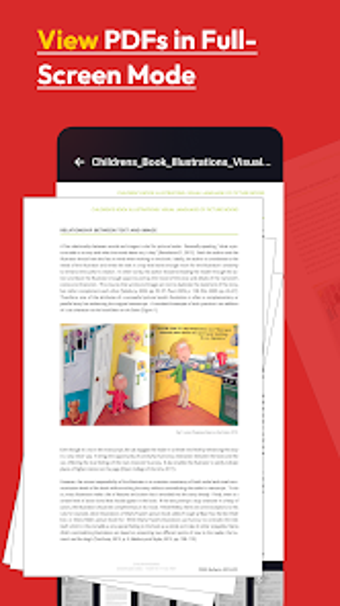
The app provides high-quality PDF rendering with both vertical and horizontal scrolling modes, which supports comfortable reading on portrait or landscape screens. It includes advanced text search to locate words or phrases inside documents and a bookmark manager for quick page access. These navigation elements suit review tasks such as reading reports, marking reference pages, or preparing materials for meetings.
Can it slot into mobile document workflows and sharing?
One-click sharing integrates with email, WhatsApp, and other installed apps so files move directly from the app to collaborators. Users can print documents from the device or save output to a chosen folder, and the app requests standard Android file-access permissions to read and write documents. Those behaviors place the tool inside common mobile document workflows for submissions and short approvals.
Is the interface approachable for bilingual users and quick adoption?
The user interface supports Arabic and English, which reduces friction for bilingual teams or users in multilingual regions. Bookmark controls and in-document search reduce the need for formal training, reinforcing its suitability for students and business professionals who need fast access. The developer is an independent creator focused on productivity and utility apps, reflecting a small-team approach rather than enterprise deployment.
Does it keep pace on standard Android hardware during editing and assembly?
The app is described as lightweight and optimized for mobile document handling, so routine operations finish promptly on typical devices. Image-to-PDF conversions and file assembly complete without heavyweight desktop tools, and user reception highlights straightforward utility and ease of use. For day-to-day, on-the-go document preparation the performance aligns with mobile expectations rather than high-end desktop production.
Practical mobile tool for quick PDF tasks, not a desktop replacement
Magic PDF-Read PDF suits students and mobile professionals who need rapid document handling on Android devices, including image conversion and simple assembly. Because the app prioritizes a lightweight, mobile-optimized workflow, it is less appropriate for complex, desktop-level document production. Use it for on-the-go review, sharing, and quick file assembly rather than for extensive PDF authoring or detailed layout work.